
Getting started
This takes about five minutes.
Before you start
- A sub-account you can edit.
- A funnel or website page to put the calculator on (or create a new one).
1. Install the app
Install HVAC Estimate Calculator from the App Marketplace into the sub-account. Agencies can install it into each HVAC client’s sub-account.
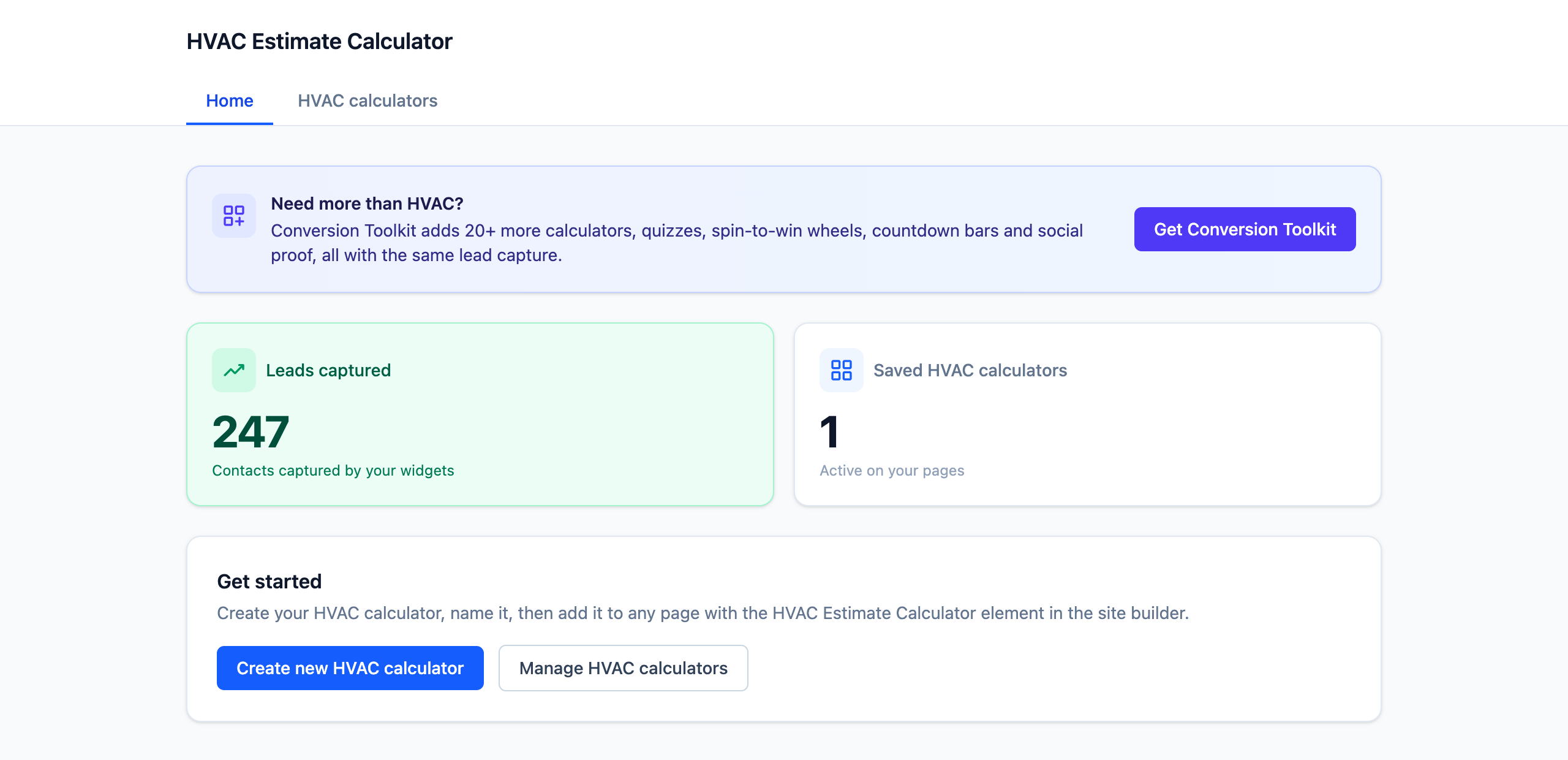
Once it’s installed, HVAC Estimate Calculator appears in that sub-account’s left sidebar, and a calculator called My HVAC calculator is already set up and ready to use.
2. Set your rates
Open HVAC Estimate Calculator from the sidebar and click your calculator.
In the editor:
- Under Your pricing, enter your own installed price per square foot for each system type. See Your pricing for how to work these out.
- Under Theme and Content settings, choose a look, and set the headline and the button text.
- Under Lead capture, check the form. It’s on by default and asks for name, email and phone.
- Click Save.
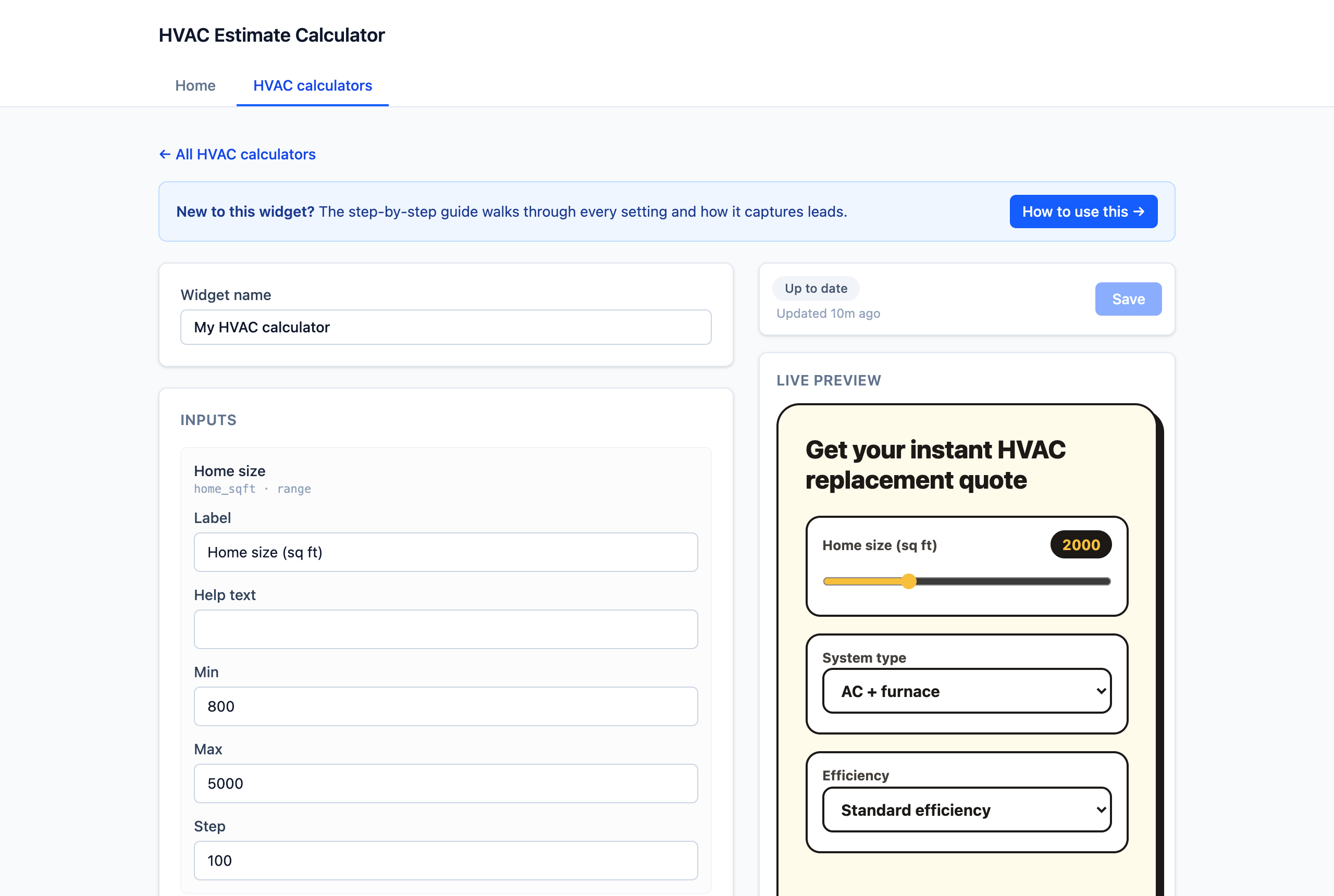
The live preview on the right shows exactly what visitors will see.
3. Add it to a page
- Open the funnel or website page in the page builder.
- Drag in the HVAC Estimate Calculator element.
- In the element settings, choose your calculator.
- Save and publish the page.
That’s it: the calculator is live.
4. Edit any time
The page only stores which calculator to show. Change your rates or wording in the app and every page using it updates straight away, with no re-publishing.
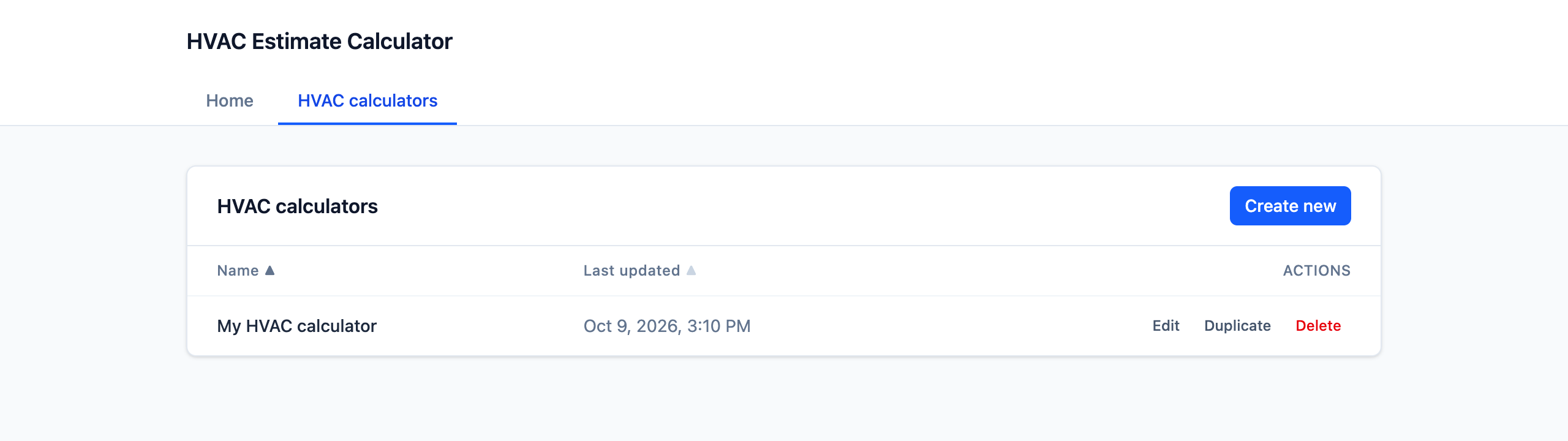
Want a second version, such as a different headline for a promotion? Click Create new HVAC calculator on the app’s home page, or Duplicate an existing one from HVAC calculators.
Next steps
- Your pricing: make the estimate match your real quotes.
- Leads & automation: follow up automatically.